Tips & Tricks

All About Bar Charts and Histograms

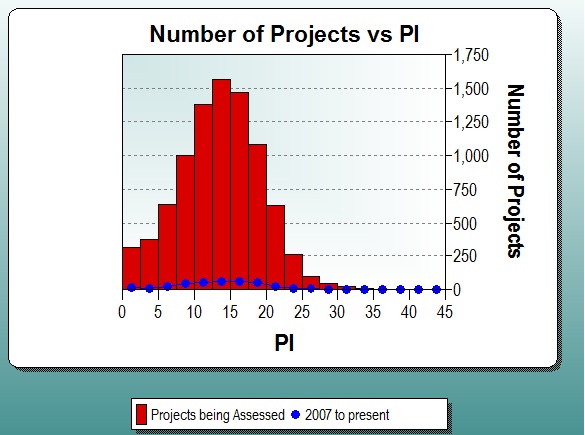
Having data is great, but if you don't understand how to display it, you can't get your point across.  The focus of this blog series is to explain the various chart types available to you in SLIM-Metrics so that you can efficiently analyze your data, as well as to provide helpful tips and tricks. 

Bar charts break a data set into bins or categories and provide the number/percent of projects or the average metric value for each category.

read more...

SLIM Note Panel Simplifies Reports, Documentation, and Guidelines

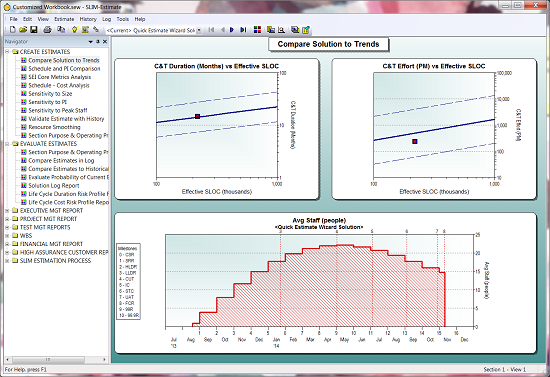
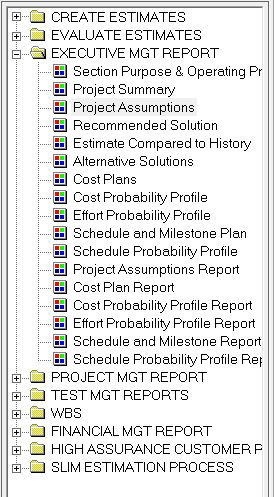
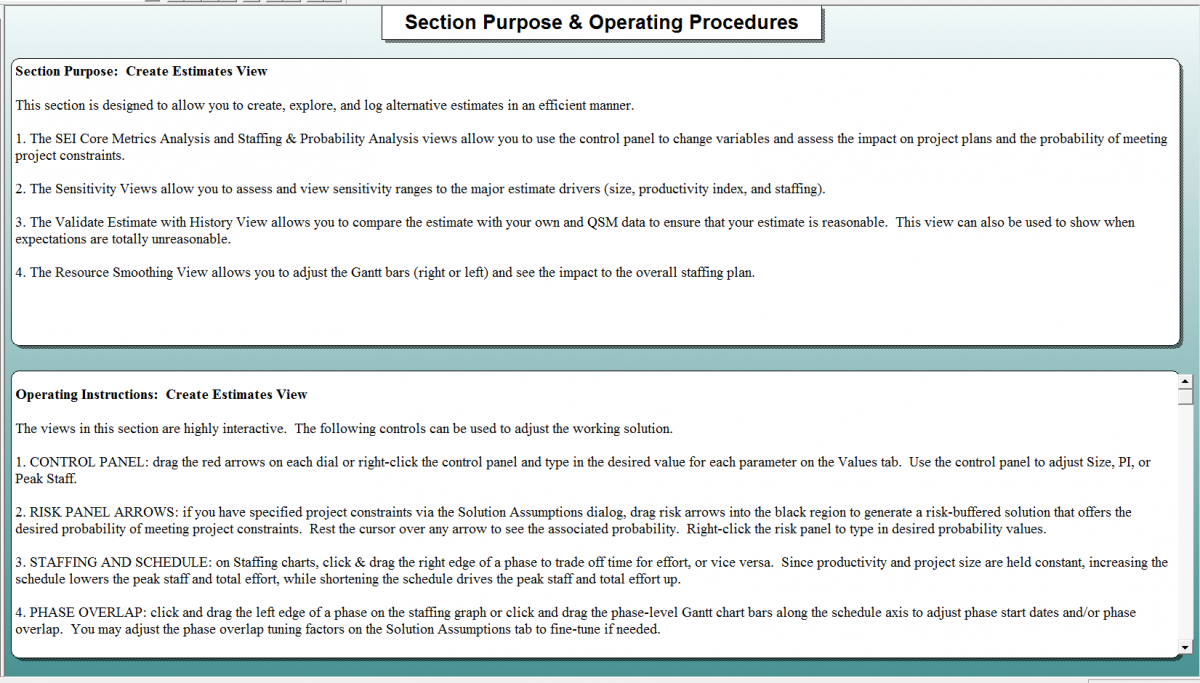
SLIM Suite default workbooks contain pre-defined views you can customize to fit your reporting needs.  The Navigation Panel on the left side of the user interface displays the list of views, organized into sections or folders.  Each SLIM tool contains multiple views to facilitate presentation and analysis of the unique metrics it employs.

Navigation Panel
Figure 1: Navigation Panel

read more...

Does Your Estimate Accurately Reflect the Five Dimensions of Software Trade-offs?

A recent series of posts by Karl Wiegers eloquently discusses the "reality of tradeoffs" software professionals deal with every day, going beyond the typical success drivers (time, cost, and quality) to include product features and staff. He shares inspiring practical information by making distinctions between constraints, drivers, and degrees of freedom, each representing the amount of flexibility the project manager has to adjust a key factor.

read more...

Improve Your Project Comparisons

Here is a helpful tip for comparing project performance for projects of different sizes.

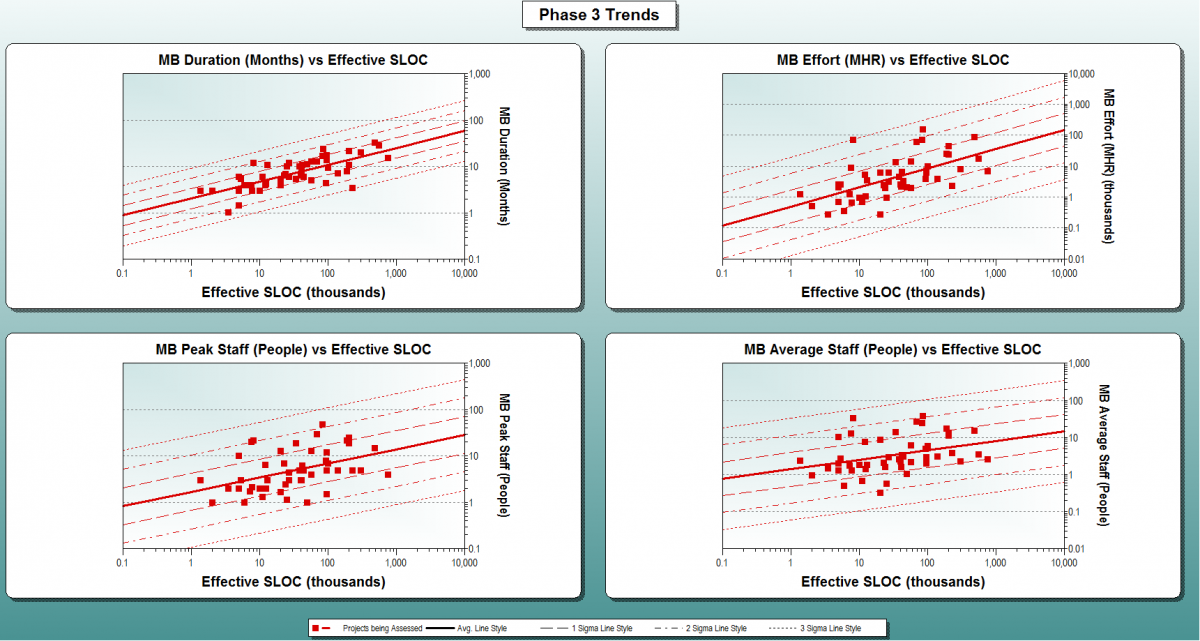
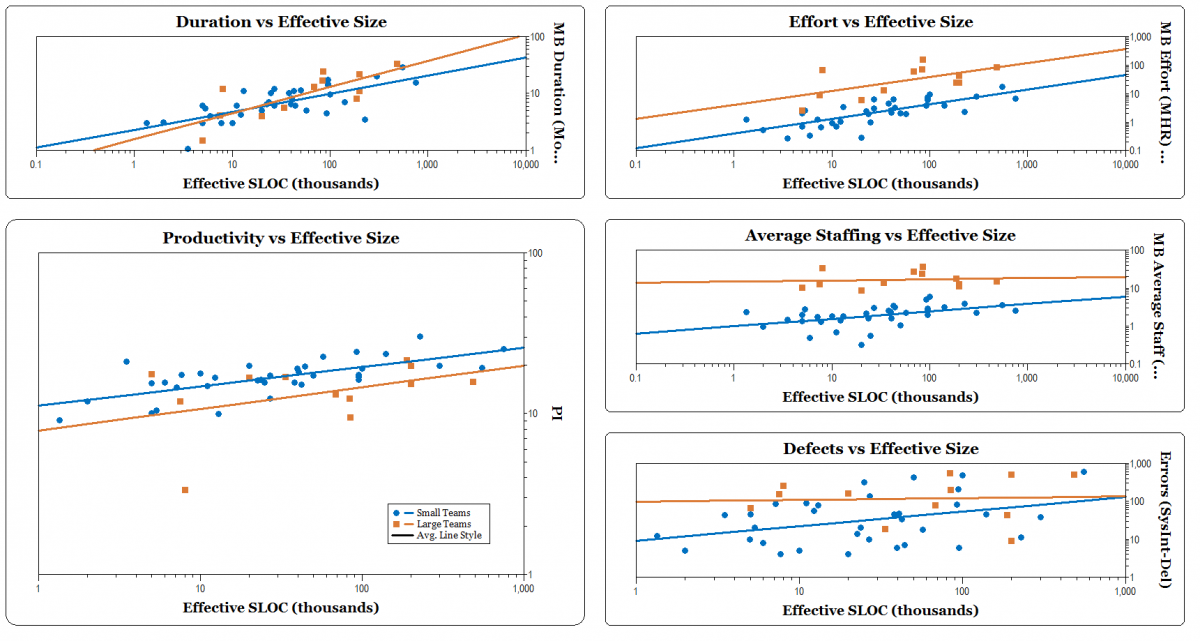
Software size has a big impact on metrics like effort, duration, defects, or productivity. We have known for many years that the relationship between project size and most software metrics is exponential. That is why our trends appear straight on a log – log scale.  SLIM Suite tools take project size into account by regressing core software metrics like effort, duration, or productivity against size to sanity-check estimates and benchmark completed projects:

read more...

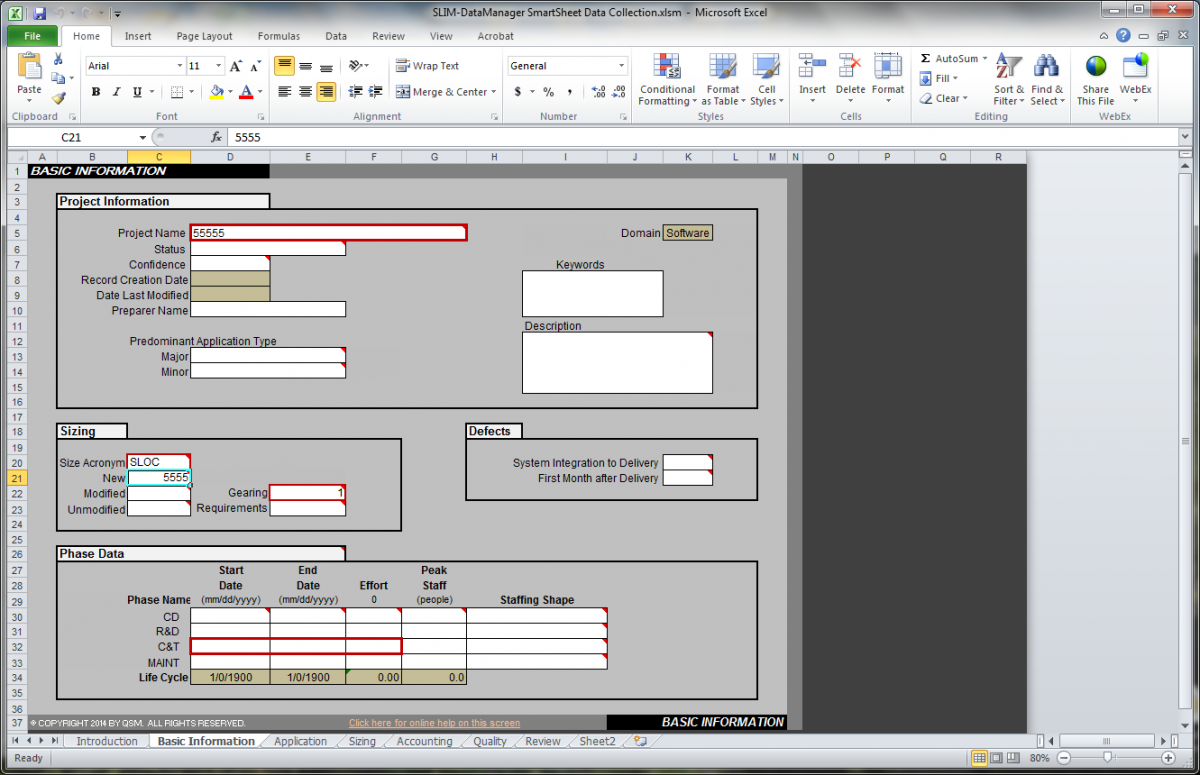
Demand the (Right) Right Data with SLIM-DataManager

A few weeks ago, Thomas C. Redman posted Demand the (Right) Right Data on the Harvard Business Review blog, about how managers should set the bar higher, in terms of data.

Why are managers so tolerant of poor quality data? One important reason, it seems to me, is that most managers simply don't know that they can expect better!  They've dealt with bad data their entire careers and come to accept that checking and rechecking the "facts," fixing errors, and accommodating the uncertainties that using data one doesn't fully trust are the manager's lot in life.

read more...

Tuning Effort for Best in Class Analysis and Design

After reading Best Projects/Worst Projects in the QSM IT Almanac, a SLIM-Estimate® user noted that the Best in Class Projects expended around 28% of their total project effort in analysis and design (SLIM Phase II) compared to 10% for the Worst in Class Projects. She wanted to know how she could tune her SLIM-Estimate templates to build in the typical best in class standard for Analysis and Design.

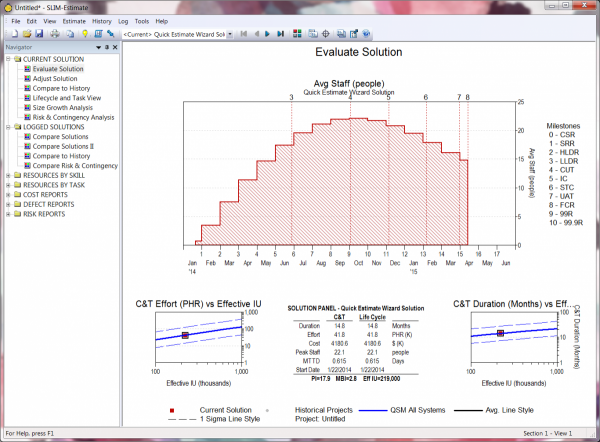
In SLIM-Estimate, effort and duration for phases I and II are calculated as a percentage of Phase III time and effort. To create a template for estimating phases II and III that will automatically allocate 28% of total project effort to analysis and design (Phase II), follow these simple steps.

read more...

SLIM Suite Quick Reference Guide

Have you ever found yourself wondering which SLIM tool to use for a task, or what interfacing features are available for various SLIM Suite applications? We've created a handy Quick Reference Guide that offers a concise, "at a glance" summary of the great features built into SLIM Suite! This one page table is chock full of useful information about import/export capabilities, major tool features, and interfaces to other SLIM tools or applications like Microsoft Project and IBM Rational Focal Point and Rational Team Concert.

Here's what you'll find:

read more...

Two Tools Are Better Than One

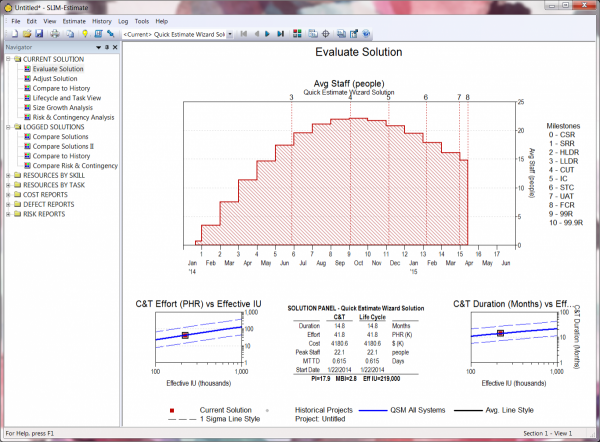
Have you ever been excited to discover a new use for something familiar, like learning that lighter fluid can be used to remove ink stains from your clothes?  I recently discovered a way to leverage the tie between SLIM-Estimate and SLIM-DataManager that I was previously unaware of.  

My limited view of SLIM-DataManager as a tool for historical data and SLIM-Estimate as a tool for software project estimation limited my creativity in applying the rich set of capabilities in the entire SLIM tools suite.  I recently observed a more experienced SLIM user use both tools to model a history project where very little data was available, using both applications.  Here is a description of the situation.

Scenario: 

read more...